Hand-drawn logo reveal animation from your logo file
Upload your logo as a PNG, JPEG or WebP and get a logo reveal clip: a hand sketches the outline, then fills it in. No template, no After Effects.
This makes one kind of logo reveal: your logo drawn on screen by hand, outline first, then filled in. Upload the finished logo as a PNG, JPEG or WebP — flat, on a plain background — and the drawing usually starts within about fifteen seconds. It does not do 3D, particles, glitch effects or motion-graphics templates, and it adds no sound; use a template tool for those.
PNG, JPEG or WebP · up to 10 MB · we don’t generate pictures from text
Two logos, drawn by hand
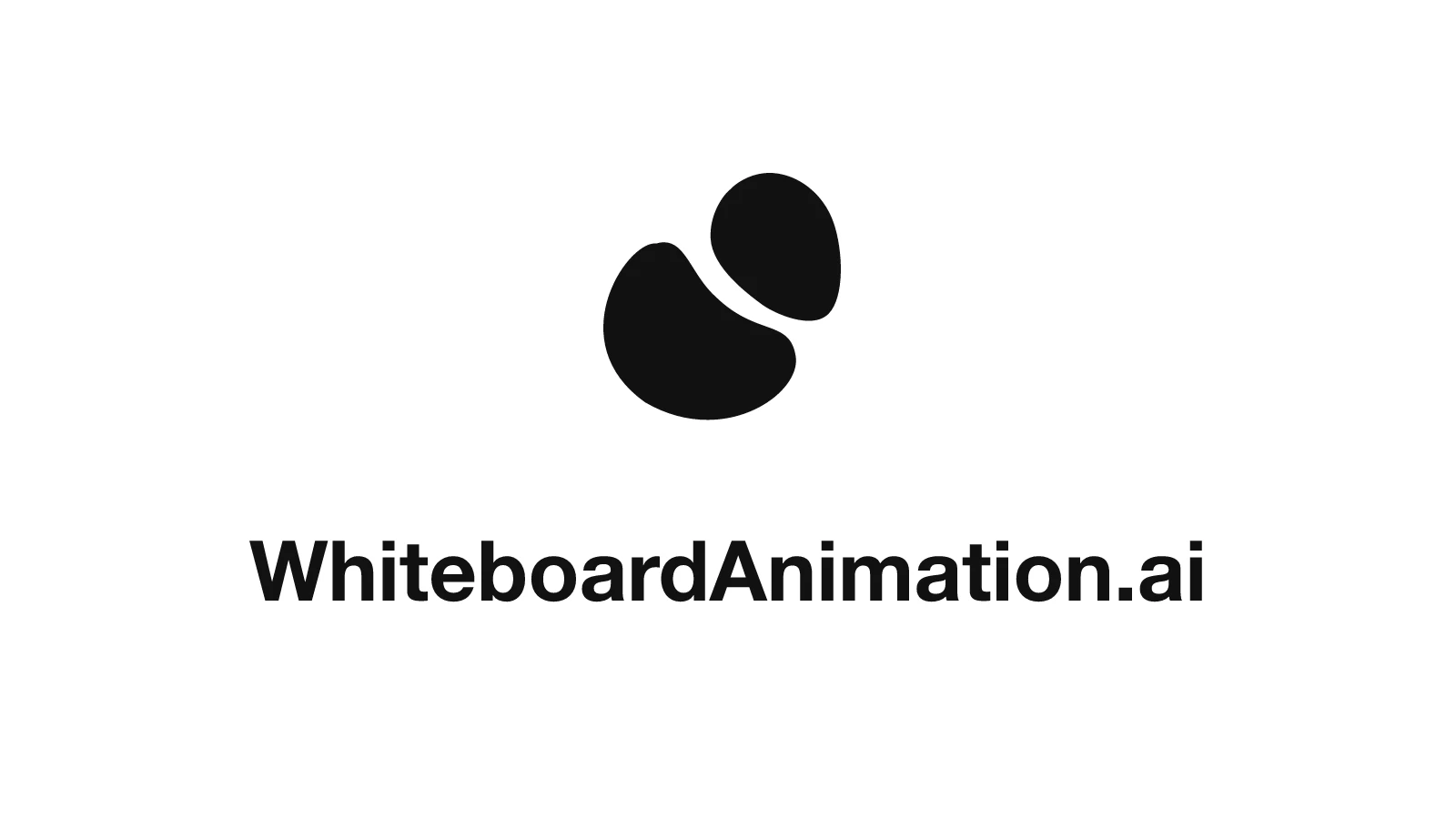
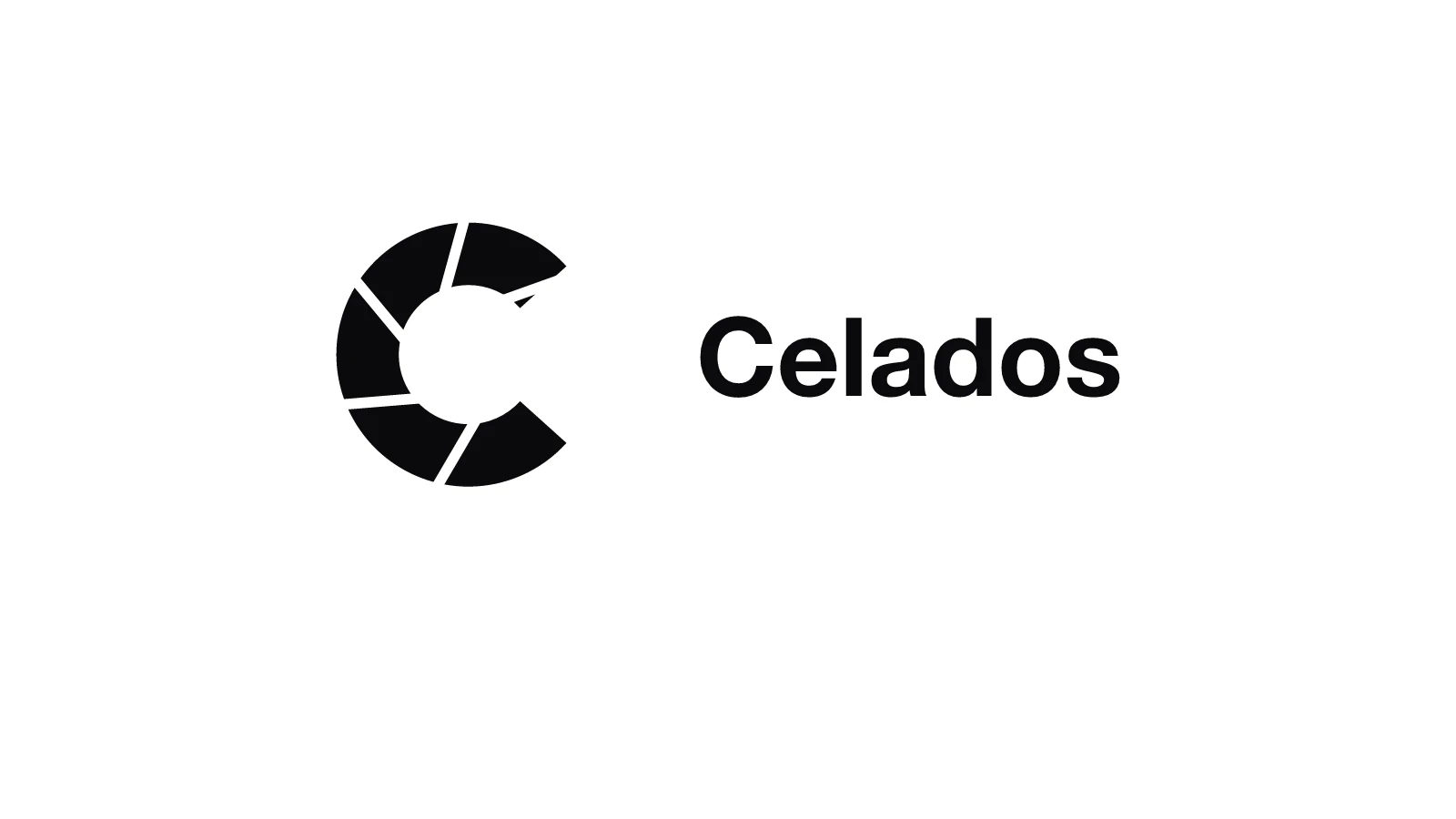
Both logos were uploaded as flat PNGs and drawn with the default settings: a mark and a wordmark, stacked or side by side.
The picture Mark above the name: WhiteboardAnimation.aiTwo solid shapes and a bold wordmark. The letters are outlined one by one, then filled in black. The picture Mark beside the name: CeladosA segmented mark next to the name: every segment gets its own outline before the fill.
How to make a hand-drawn logo reveal
- 01
Export the logo as a picture
Use the full logo, mark and name, as a PNG on a white or plain background. A vector logo needs exporting first: SVG is not accepted.
- 02
Upload it and draw it
Drop the PNG into Studio and press Draw it. One drawing costs one credit.
- 03
Trim it to an intro and export
Shorten the length to suit an intro or outro, pick a hand or none, and export. Add your sound in the editor.
Settings that suit a logo
- Length
- Logo intros are short: the clips above use the default length of about 17 seconds; set it shorter for a sting.
- Hand
- None gives a clean, self-drawing logo; a hand makes it feel sketched live.
- Style
- Lines only stops at the outline, for a blueprint look; Lines + colour ends on your real logo.
- Shape
- Export in the logo picture’s own shape, or cropped to 16:9 for a video intro, 9:16 for Reels and Shorts, or 1:1 for a feed.
Export it into your edit
Your browser saves the clip as MP4 or WebM, in the picture’s own shape or cropped from the centre to 16:9, 1:1 or 9:16. The free plan exports 720p with a watermark; Starter and up export 1080p without one. Pro adds a transparent background (WebM with alpha, or PNG frames), so the drawing sits on top of your own footage.
What it will not do: design a logo, animate it in 3D, or add sound. It draws the logo you give it, by hand.