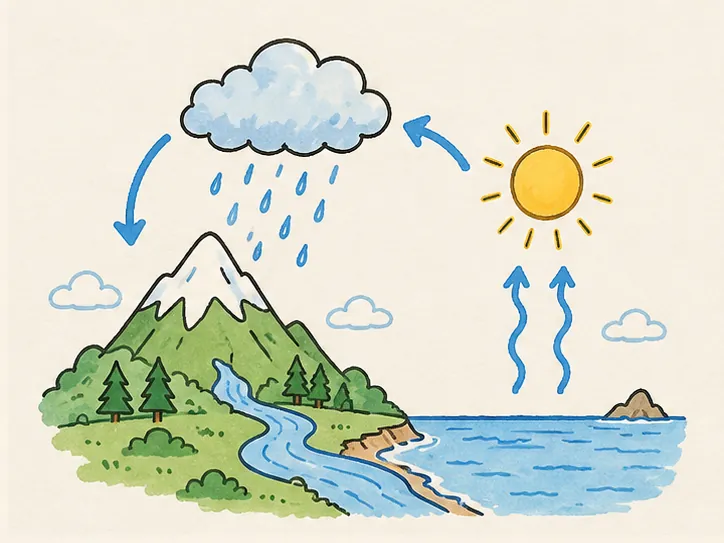
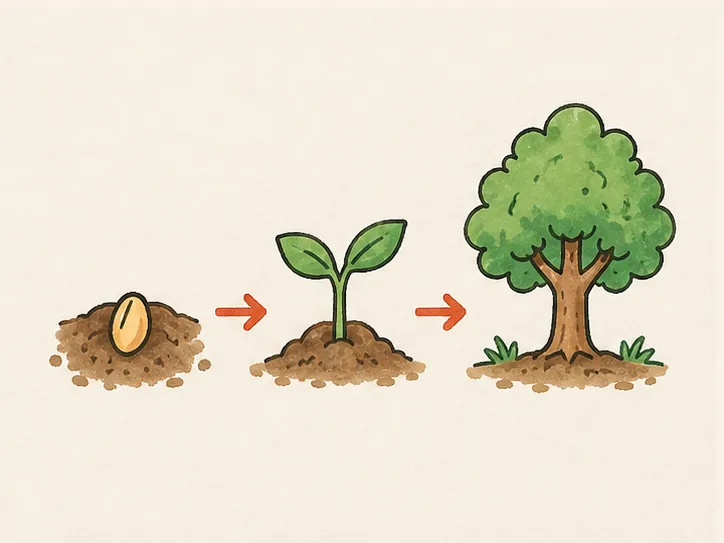
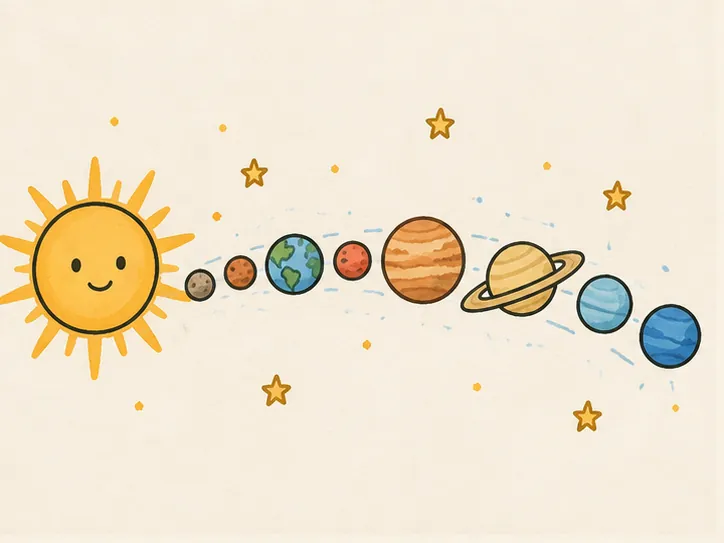
 Whiteboard Animation
教育 · 物理課 · 1:41
簡單機械白板動畫
看六種簡單機械一步步畫出來:槓桿、滑輪、輪軸、斜面、楔子和螺旋。由一張插畫做成的手繪白板動畫。
- 長度
- 1:41 · 2 個章節
- 畫面比例
- 4:3
- 開始上色
- 1:17
- 風格
- 線稿 + 上色
- 格式
- 16:9 · 1:1 · 9:16
在 Studio 中開啟這張圖,直接就能繪製。
想用自己的圖? 看看怎麼準備
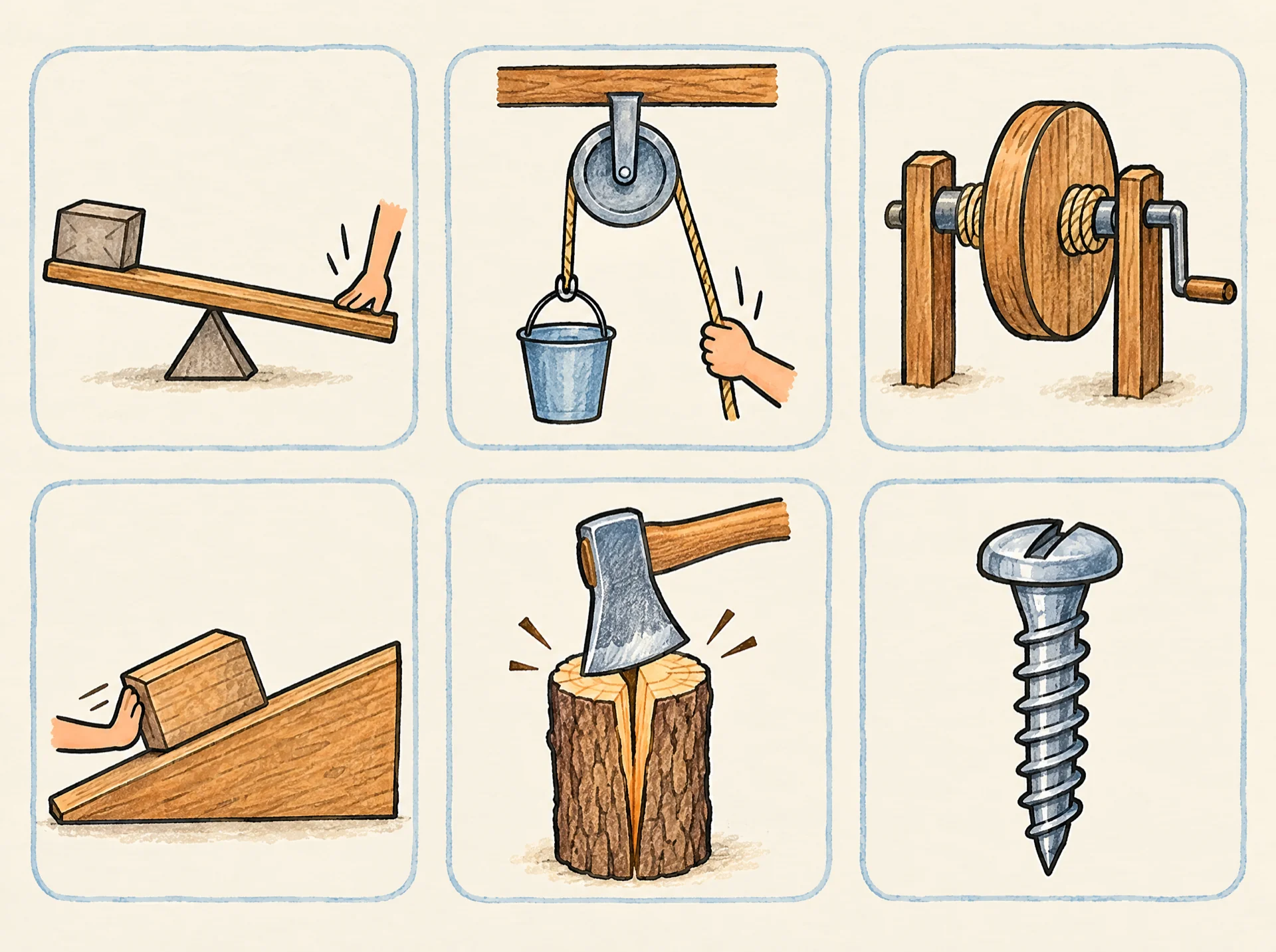
它開始時的那張圖
這段繪製只用了這一張完成的插畫。上傳一張類似的圖,Studio 就會一筆一筆把它畫出來;我們不會從文字生成圖片。
1920 × 1433 px · WEBP
這張圖背後的提示詞
Hand-drawn chart of the six simple machines, each drawn alone in its own soft rounded box, arranged in a tidy grid of three columns and two rows: a lever (a long wooden plank balanced on a small triangle, a box on one end and a hand pushing down on the other end); a pulley (a single grooved wheel hanging from a beam with a rope over it, a hand pulling one end of the rope down and a bucket lifted on the other end); a wheel and axle (a big wooden wheel fixed onto a thin rod, like a well winch with a crank handle); an inclined plane (a smooth wooden ramp with a box being pushed up the slope); a wedge (a steel axe head splitting a log); a screw (one large metal screw with a spiral thread around its shaft). Nothing else in the picture. Coloured pencil and watercolour marker, clean black ink outlines, warm off-white paper, no text.這張圖由圖像模型生成;任何完成的插畫都能用同樣的方式繪製,包括你自己畫的。可以把提示詞當作起點,改成你自己的主題。提示詞保留當初使用的英文原文。
常見問題
關於這個範例
Pro 方案包含商用授權:可將白板動畫片段用於客戶專案、講解影片、廣告和付費課程。免費方案和 Starter 方案的片段僅限個人及非商業用途。
一張完成的圖片,支援 PNG、JPEG 或 WebP,最大 10 MB。插畫、圖表和平面作品效果最好,也正是塗鴉影片和講解影片常用的那類畫面。
大約十五秒後,手繪動畫就開始繪製。影片時長由你決定,儲存還需幾秒鐘。