Whiteboard animation for teachers and lessons
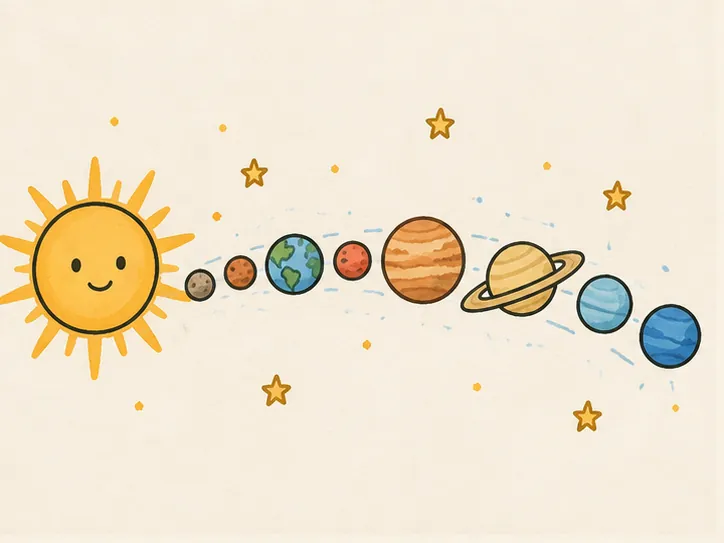
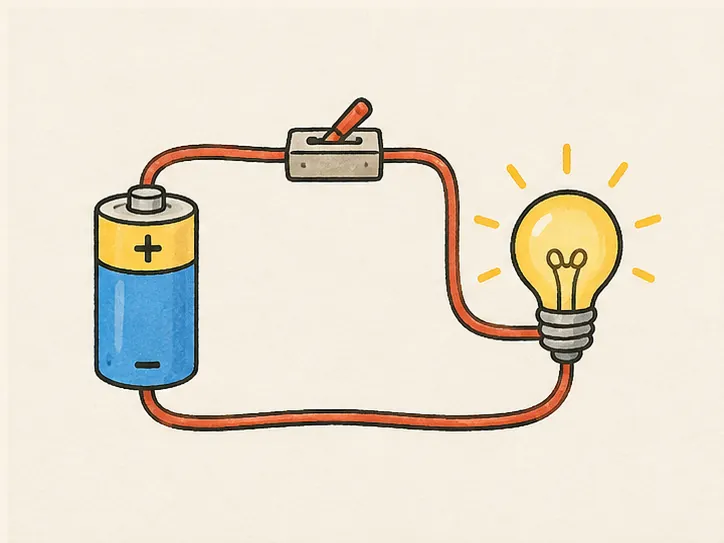
Science and how-it-works diagrams that draw themselves while you explain. Upload the diagram you already teach with, and it is drawn by hand on screen: outlines first, then colour, ready for a lesson video, a flipped classroom or a slide.
5 lesson-ready examples
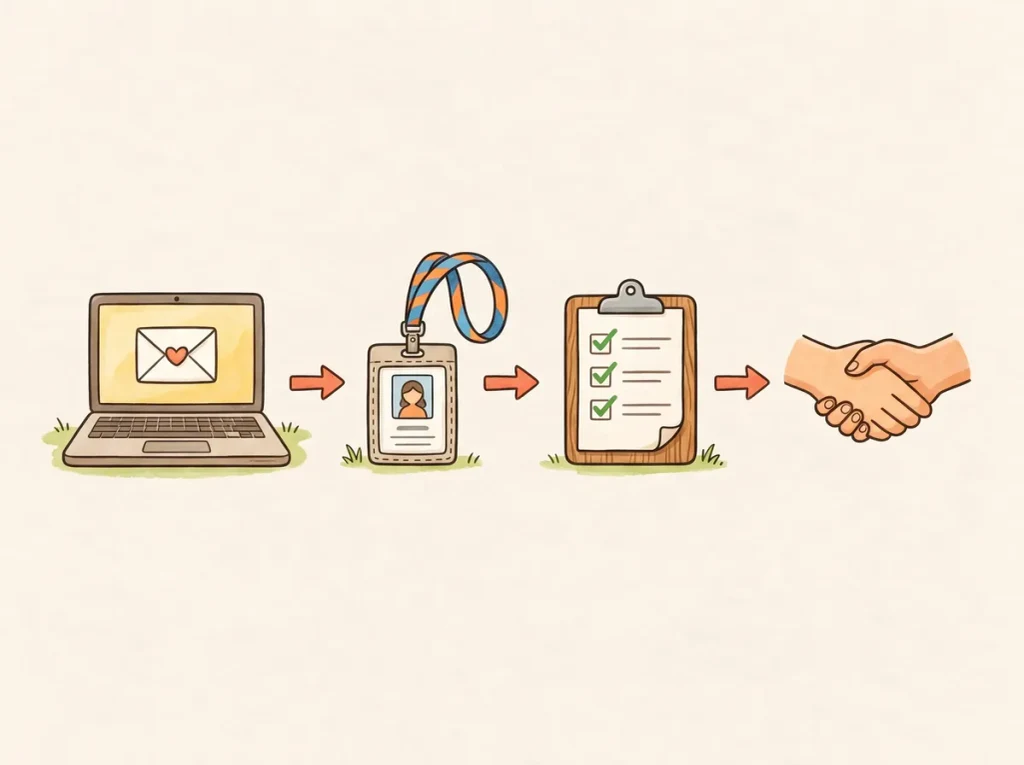
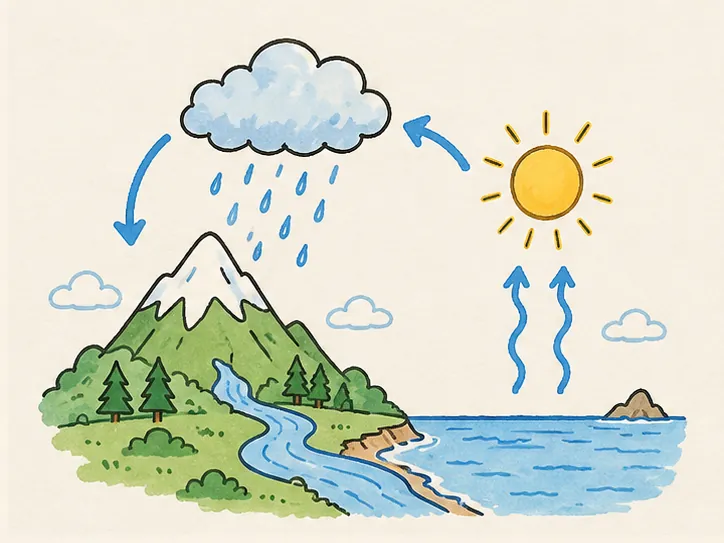
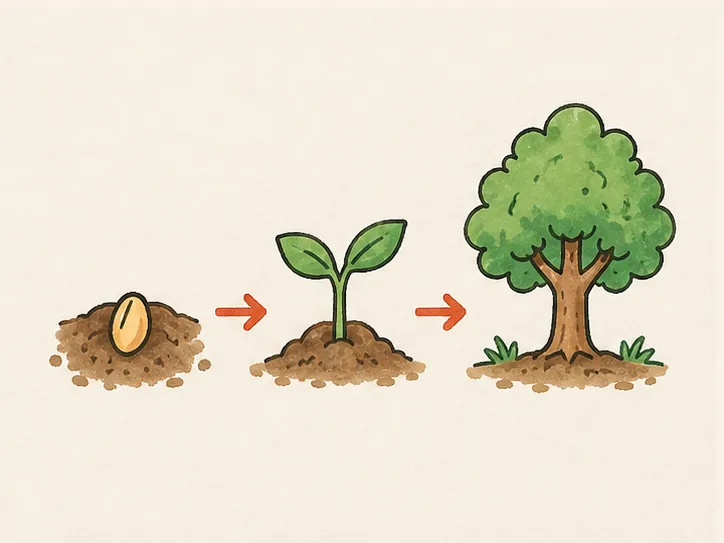
Each one is a finished picture drawn as a clip. Open any to watch it draw, read how it is built, and start yours in the same style.
In the classroom
How teachers use whiteboard animation
- 01
Open the lesson
Play the diagram drawing in while you set the question. Attention lands before the first slide.
- 02
Narrate over it
Record your voice over the clip in any editor; line art and colour are separate chapters you can pace.
- 03
Flip the classroom
Drop it into a course video or LMS page: a drawn explanation students can rewatch at home.
Questions
Whiteboard animation for teachers: questions
Finished diagrams with clear outlines and flat colour: life cycles, circuits, maps, labelled processes. Photos and dense screenshots draw less cleanly.
Yes. Export the clip as MP4 or WebM and record your voice over it in any editor. Each example page has a script timed to its drawing to start from.
No. The clip you export is an ordinary video file; share it however you share lesson videos. Watching these examples needs no account either.