 Whiteboard Animation
Whiteboard animation examples
Hand-drawn whiteboard animations for lessons, product marketing, social shorts and team training, each drawn from one picture: line art first, then colour. Browse by use case, watch any of them draw, and start your own in the same style.
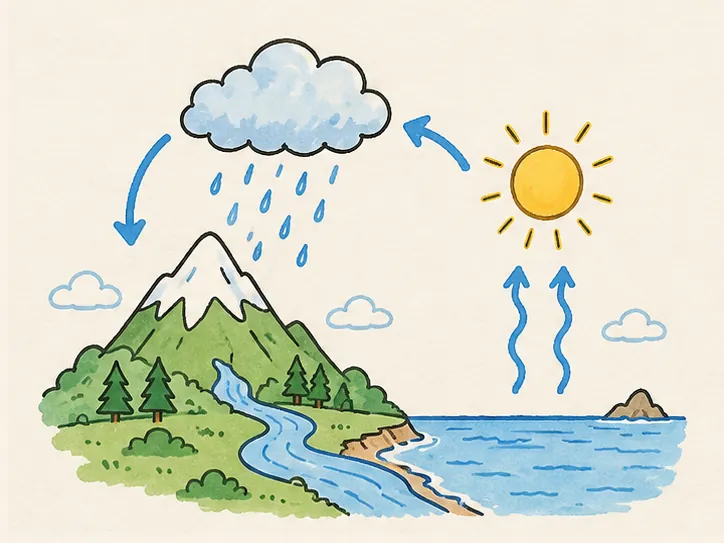
Whiteboard animation for lessons
Science diagrams and how-it-works pictures that draw themselves while you explain: the water cycle, a plant growing, the planets around the sun. Teachers use them to open a lesson or as the moment a diagram clicks.
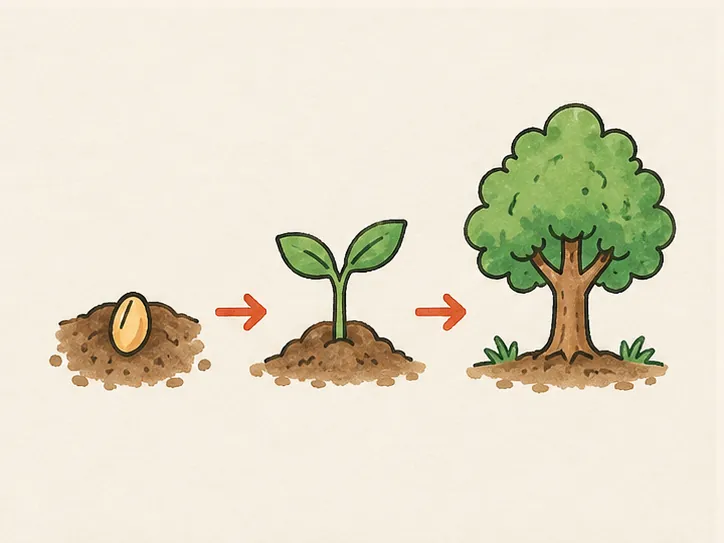
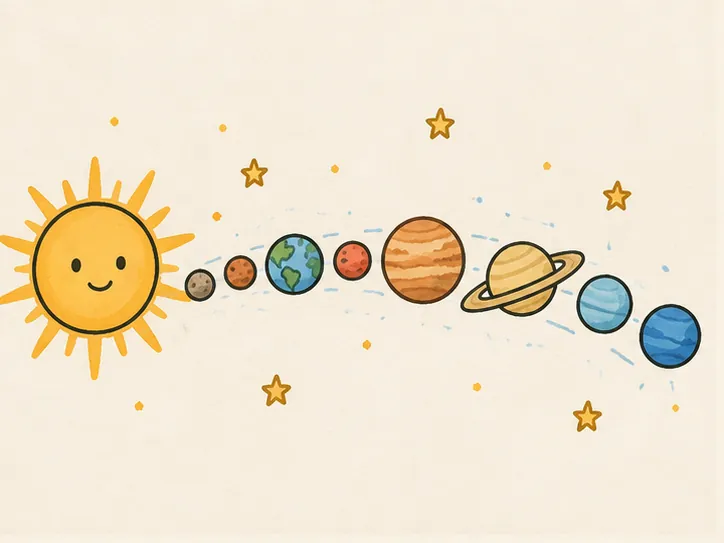
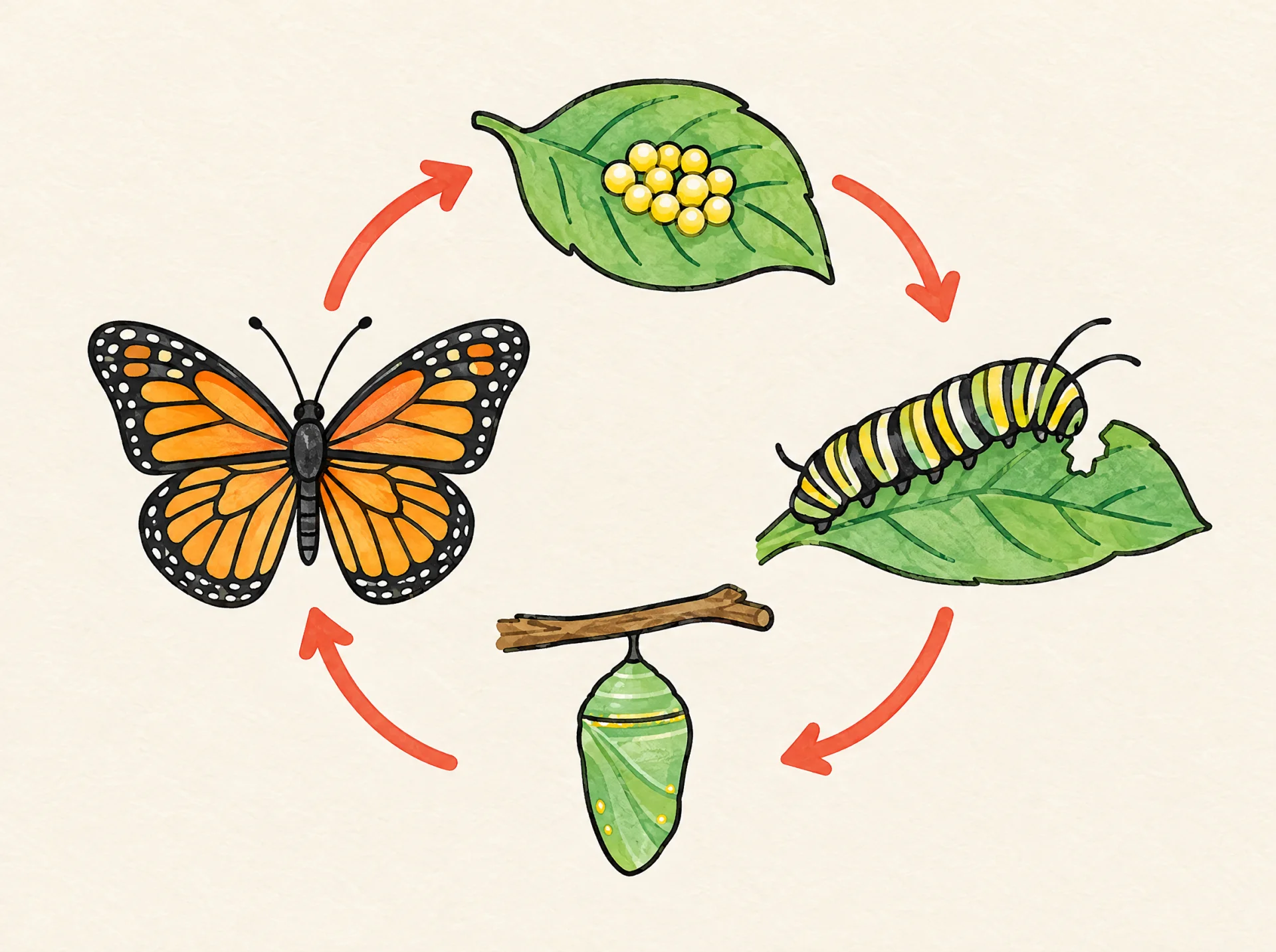
More for this use case: Frog life cycle animation, Photosynthesis animation, Skeletal system animation, Ladybug life cycle animation, Life cycle of a chicken animation, Bee life cycle animation, Weathering and erosion animation, Seasons diagram animation, States of matter animation for kids, Greenhouse effect diagram animation, Simple machines animation, Phases of the moon animation for kids, Tsunami animation, Animal cell animation, Ecosystem animation, Neuron animation, Watershed animation, Plant cell diagram animation, Energy pyramid animation, Geyser animation, Water molecule animation, Parts of a flower animation, Rock cycle diagram animation, Food chain animation, Volcano diagram animation, Respiratory system diagram animation, Nitrogen cycle diagram animation, Wheel and axle animation, Inclined plane animation, Composting animation, Distillation animation, Parts of a plant animation, Electromagnet animation, Layers of the Sun animation, River delta animation, Soil profile animation, Static electricity animation, Earth rotation animation, Convection current animation, Land breeze animation, Ocean zones animation, Kidney diagram animation
Whiteboard animation for explainer videos
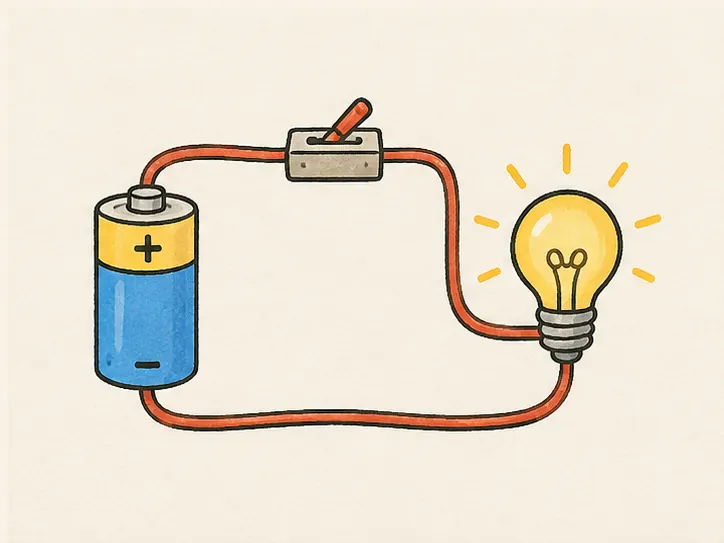
The drawn scenes of an explainer, one picture each: the problem, the idea, the steps. Cut them together under your own script and voice-over.

Whiteboard animation for product marketing
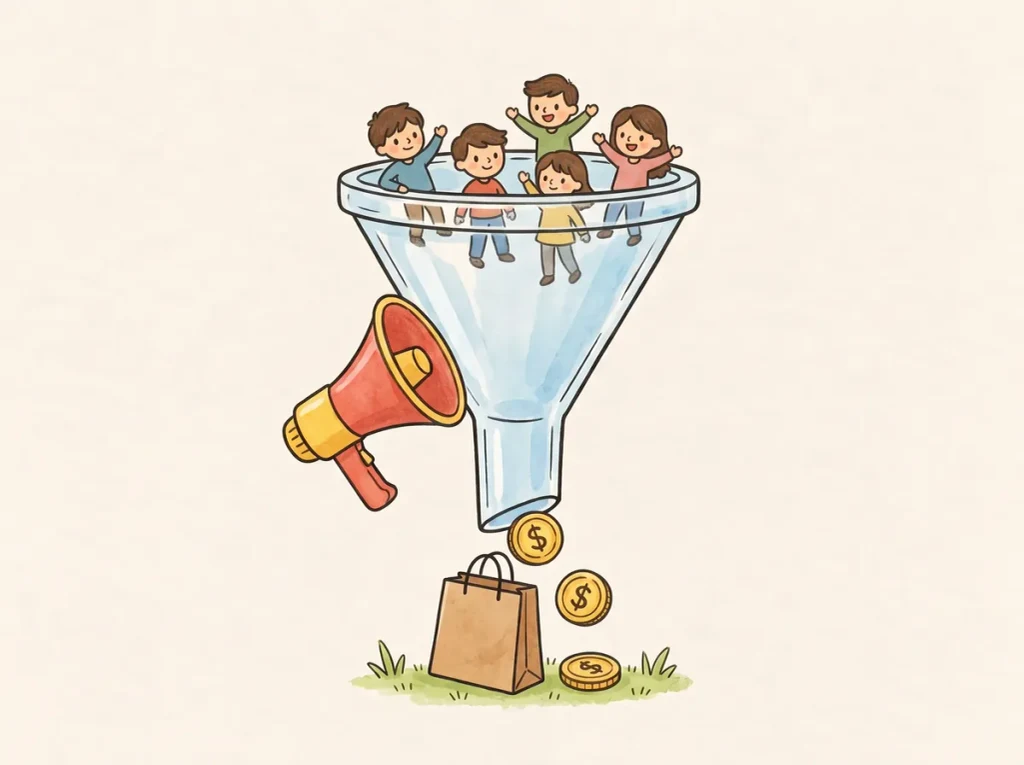
Your product, your funnel, your launch, sketched in by hand. A drawn clip makes a landing page hero, an ad opener or a pitch-deck slide feel made, not stocked.

Whiteboard animation for training and onboarding
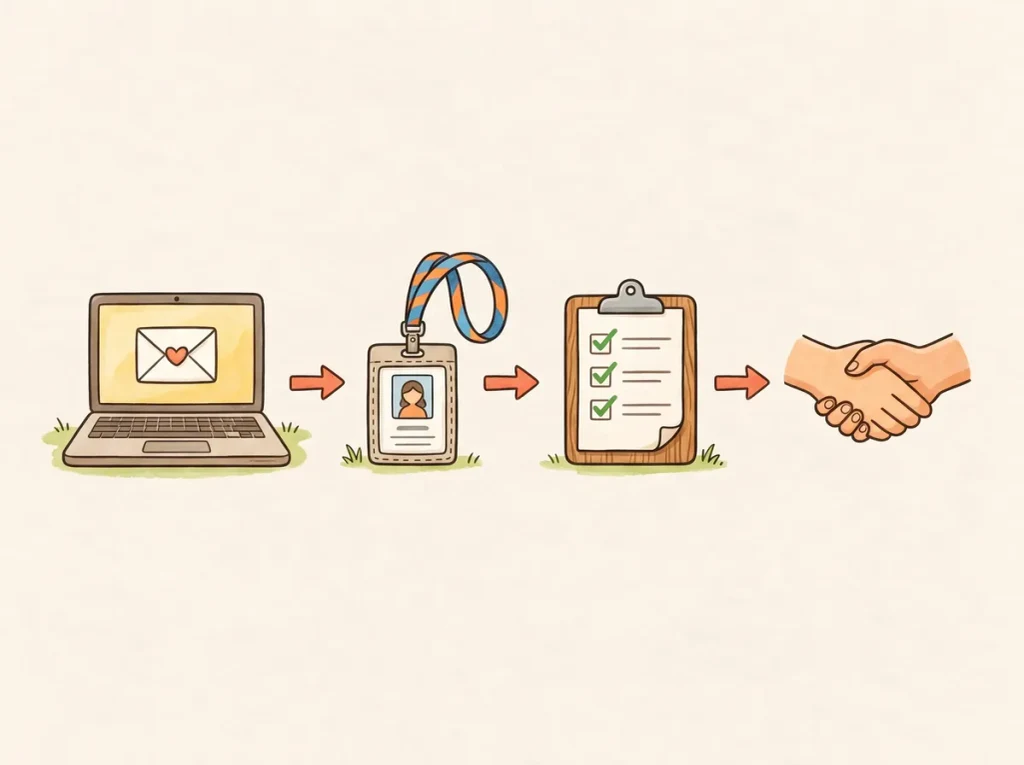
Turn a process slide or a safety poster into a short drawn walkthrough for new hires and compliance modules, without booking a studio.

Whiteboard animation for stories and kids’ videos
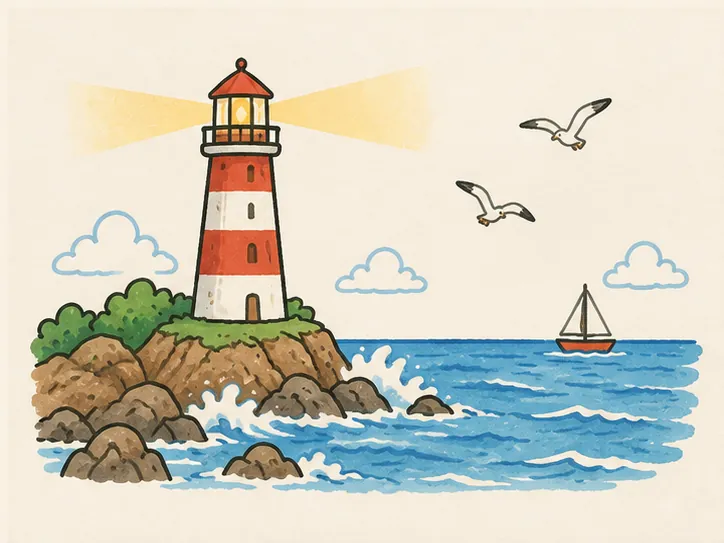
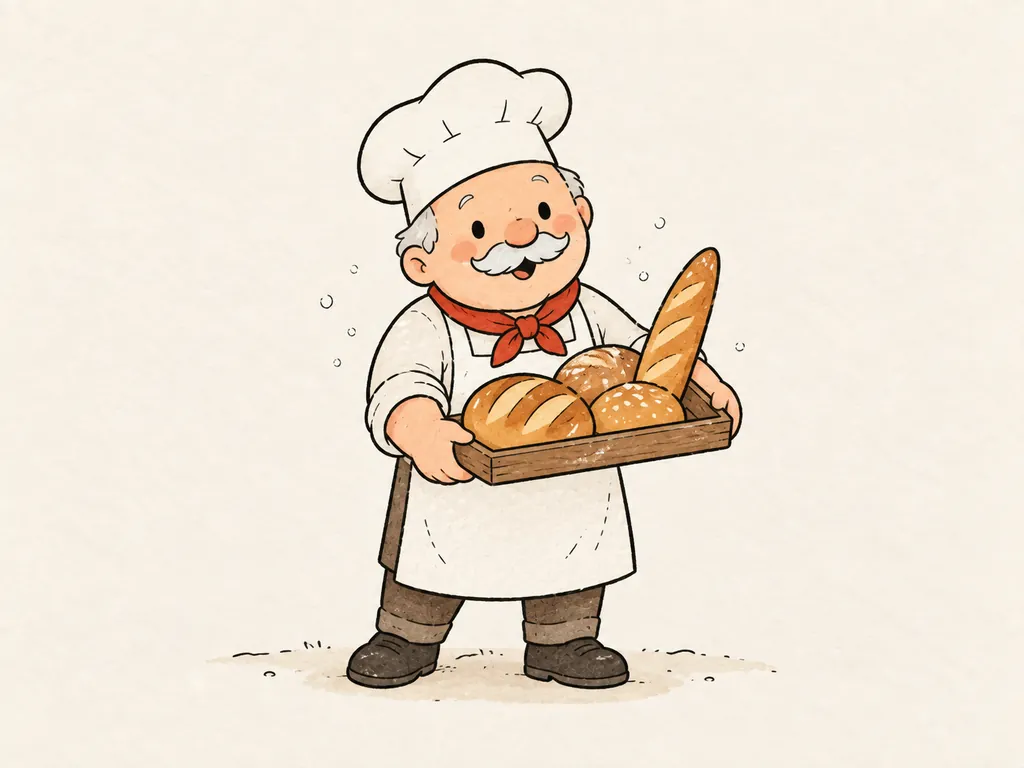
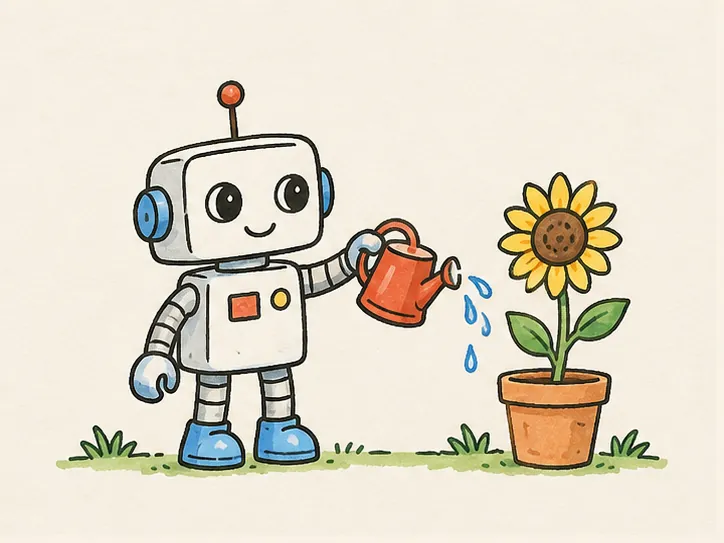
Characters and scenes that draw in at story pace: a lighthouse at dusk, a baker at work, a robot tending a flower. For bedtime stories, read-alouds and channel intros.
By solution
One picture, every format the video needs
Every example above was made the same way. These are the choices that turn it into the clip your edit needs.
Line art, then colour
Outlines draw first and colour washes in; or keep it to line art for a classic whiteboard look. Hand on, pen only or none.
How it worksTransparent overlay
Pro export keeps the background transparent, so the drawing lays over your footage or slides in any editor.
Pro exportVertical, square or wide
9:16 for Shorts and Reels, 1:1 for feeds, 16:9 for lessons and decks. The picture is re-framed, not stretched.
FormatsYour AI agent can draw too
Claude Code, Codex or Cursor draws every picture in a folder. Batch a whole course or a product catalogue.
MCP
Questions
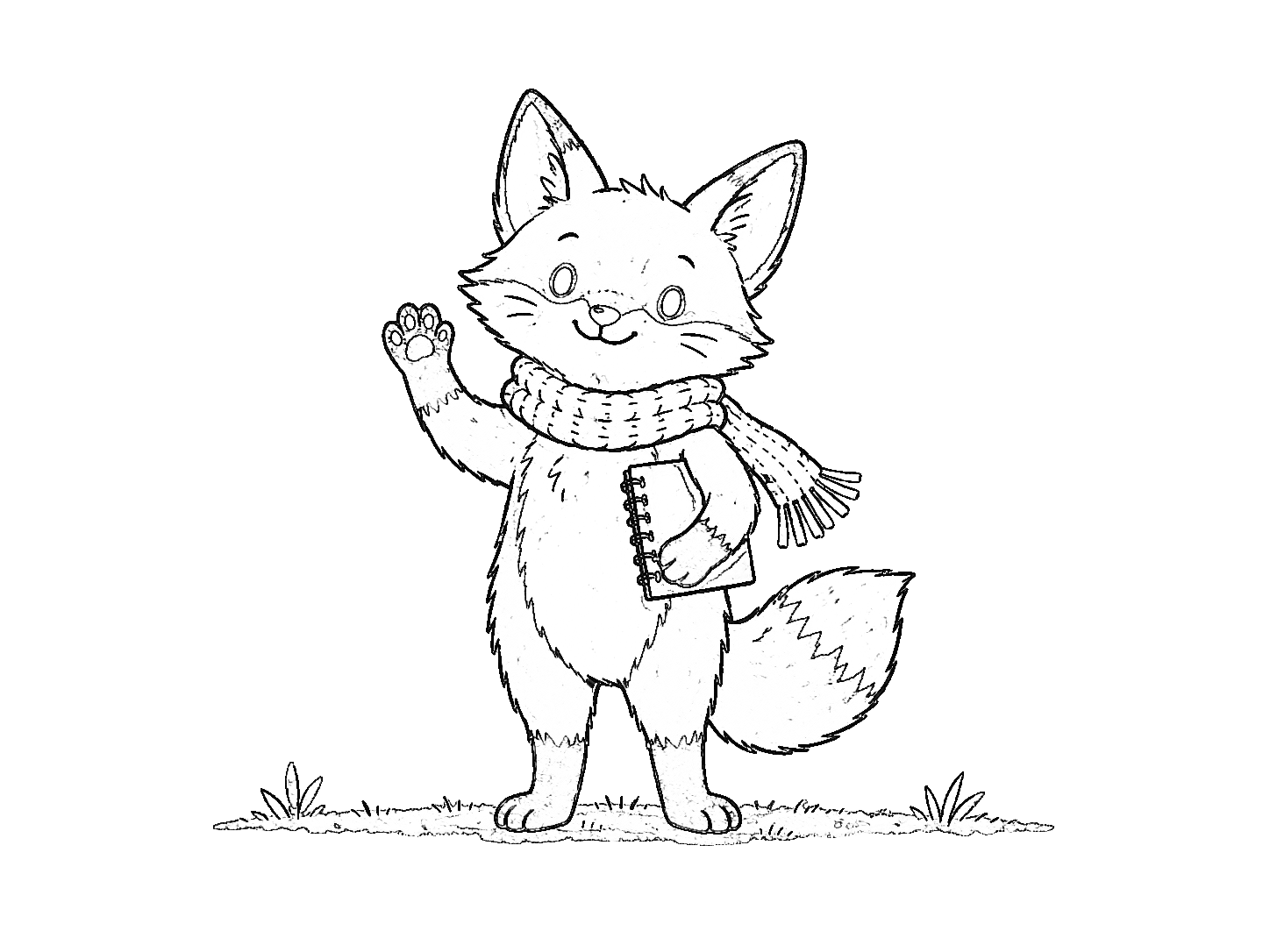
Whiteboard animation for social shorts
A hook that draws itself in the first seconds of a Reel, Short or TikTok. Export 9:16 or 1:1 and lay your voice over it.