







For creators & educators

Turn any illustration intoa whiteboard animation clip.

Upload a finished picture. Get it drawn stroke by stroke — sketch first, then colour, with or without a hand — ready to drop into your edit.

No card needed·MP4 or WebM·works in your browser

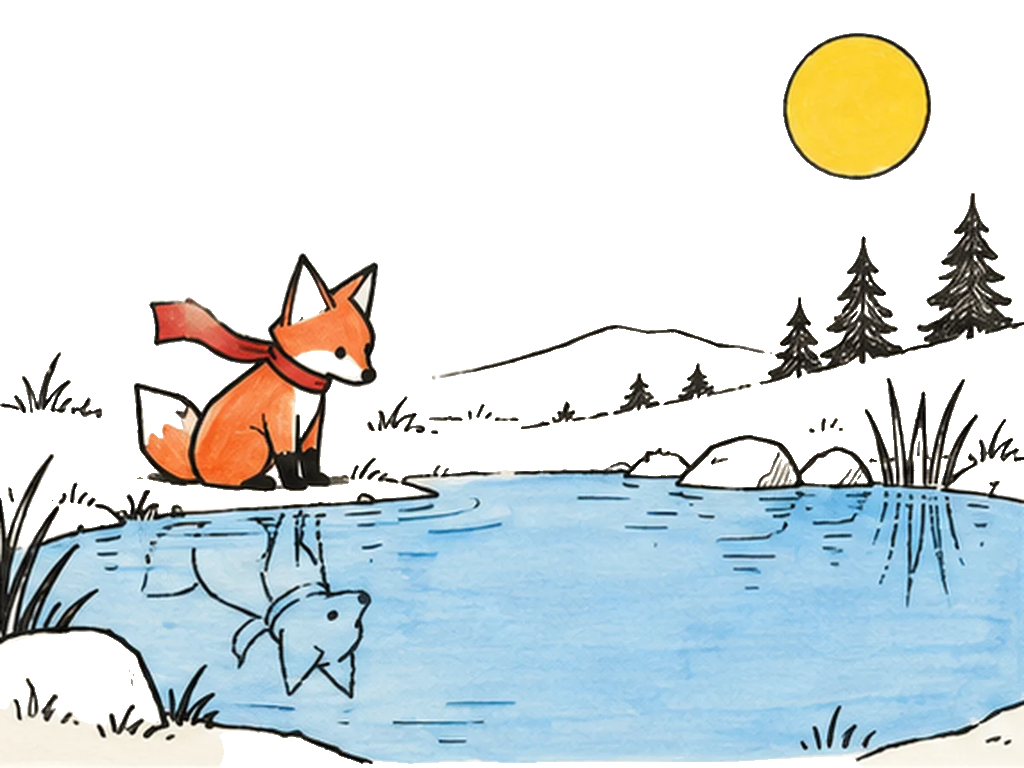
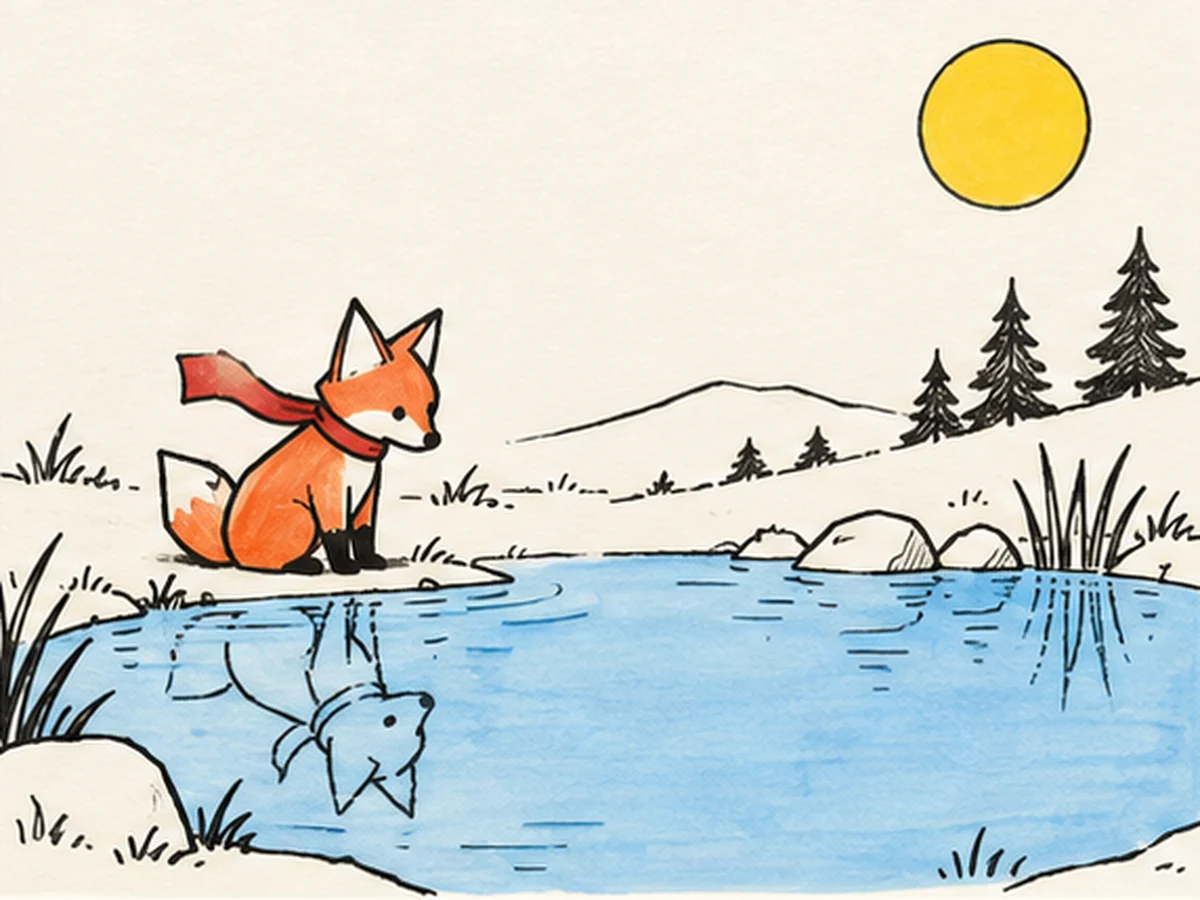
A paper fox with a red scarf at a pond, ink and marker on warm paper.
Examples

Whiteboard animation examples, each drawn from one image.

See all 22 examples
Pro export

Made to sit on top of your edit.

Export just the drawing on a transparent background, or every layer separately, and place it over your own footage in Premiere, Final Cut, DaVinci or CapCut.

  • Transparent & layered exportPro
  • 1080p, generated at full sizeStarter
  • MP4 or WebM, 16:9, 9:16 or 1:1
  • Commercial licencePro

For agents

Hand your agent a folder of pictures.

Claude Code, Codex or Cursor can turn every picture in a folder into a whiteboard animation and save the clips. One prompt sets it up; no code to write.

  • Set up with one prompt
  • A whole folder of pictures in one go
  • Same credits as the Studio, included with Pro
Setup guide for agents
Prompt

Read https://whiteboardanimation.ai/llms.txt and use the Whiteboard Animation API, with the key in the WHITEBOARD_API_KEY environment variable as the Bearer token, to turn every picture in ./scenes into a drawing. Save each drawing's download links to ./clips/.

Open this prompt inClaude CodeCodexCursor

Nothing opens? The app may not be installed: copy the prompt and paste it into your agent. Your key is never included.

How it works

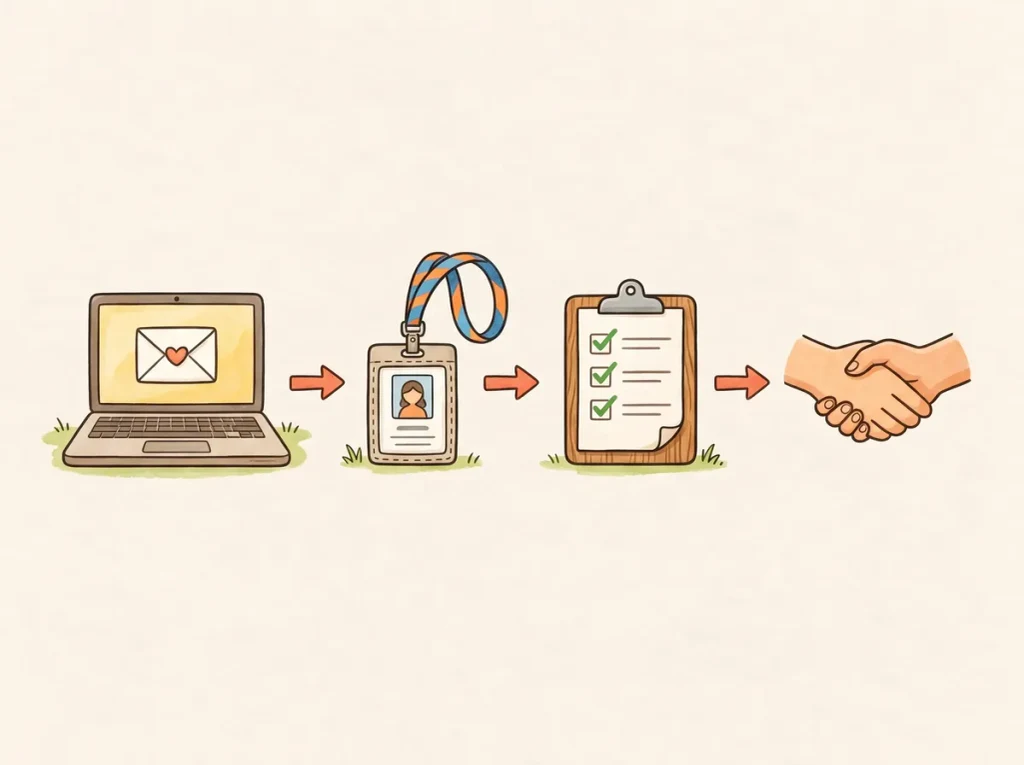
1Upload the picture

Any picture you have already finished.

2Watch it drawn

The outline first, then the colour, with a hand holding the pen.

3Keep the video

Save it and share it wherever you like.

Pricing

Pick a plan, keep drawing.

Credits renew every month. Change or cancel anytime.

Free
$0
5 credits to start
  • 720p export with watermark
  • Drawings kept 7 days
Starter
$6$9/ month, billed yearly
150 credits every month
  • No watermark
  • 1080p export
  • Keep every drawing
  • Up to 3 waiting in your queue
ProMost popular
$13$19/ month, billed yearly
400 credits every month
  • Everything in Starter
  • Transparent & layered export
  • API access for your agents
  • Commercial licence
  • Up to 6 waiting in your queue

Just need a few? 50 credits for $6, no subscription1 credit = 1 drawing. Credit packs last 90 days, and any pack also removes the watermark and unlocks 1080p for good.

Good to know

Questions people ask.

One finished picture — PNG, JPEG or WebP, up to 10 MB. Illustrations, diagrams and flat artwork work best.
Yes. A new account starts with 5 free credits, and one credit draws one picture. Free exports carry a watermark and are at most 720p. Buying any credit pack lifts both limits for good. Paid plans add credits every month, and credit packs last 90 days.
About fifteen seconds before it starts to draw. The video is as long as you choose, and saving it takes a few seconds more.
Pro includes a commercial licence: use your clips in client work, ads and paid courses. Free and Starter clips are for personal and non-commercial use.
Anything you drew before pricing launched is kept for good. On the free plan, a newer drawing leaves your library 7 days after you last work on it (hidden, not deleted); paid plans keep every drawing. Only you can see them.
If a drawing fails, its credits come back automatically. You can cancel any time from Billing & plan; your plan stays active until the end of the period you paid for. If a charge looks wrong or something didn’t work, email hello@celados.com within 14 days and we’ll make it right, including a refund.
No. It runs in a desktop browser — Chrome, Edge or Safari. Phones can watch; saving the video needs a desktop for now.

Your picture is one upload away from moving.