Whiteboard animation hand styles
Draw your whiteboard animation with one of six hands, or with none. Switch hands at any time without redrawing, and keep the hand in transparent exports.
Pick one of six hands, or none, and the hand holds the brush through the whole drawing and stays in the clip you export. It is a choice you can change at any time: switching hands never redraws the picture or spends credits.
See it drawn
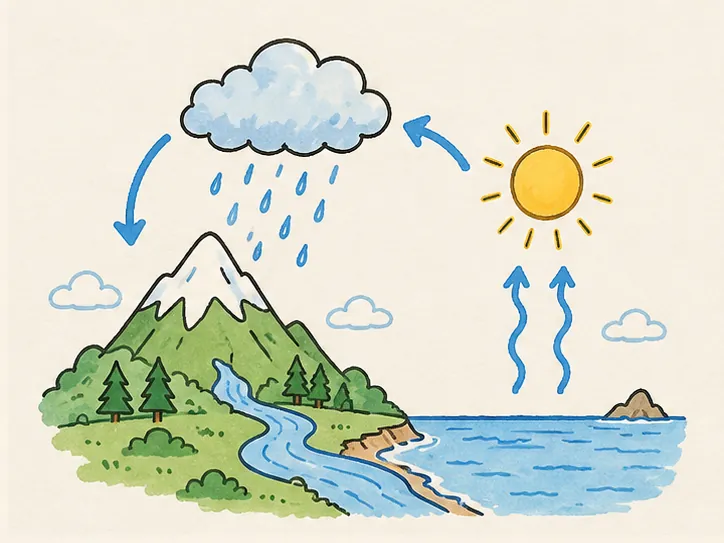
A real drawing from the examples. Choose a hand, or none, and watch the same strokes drawn again.
What you can export
- Hands
- Six photographed hands holding a brush, each on a long forearm
- No hand
- The strokes appear on their own, as if the picture draws itself
- Where you choose
- In Studio, beside the drawing; the export uses the hand you see
- Transparent and layered exports
- The hand is part of the clip; in layers it shows only while that layer is drawn
- Cost
- Free to change: the hand is not part of the drawing’s credits
Choosing a hand
A hand for teaching
A visible hand reads as someone explaining at a board: it suits lessons, explainers and training.
No hand for overlays
Over footage or in a busy edit, drawing without a hand keeps attention on the picture.
Match your audience
The six hands differ in sleeve and brush; pick the one that fits your presenter or brand.
Questions
Related
- Transparent export
Put the drawing, hand and all, over your own footage.
- Education examples
Science lessons drawn with a hand, line by line.
- Pricing
What a drawing costs and what every plan includes.
Bring a finished picture
Upload a PNG, JPEG or WebP and it starts drawing in about fifteen seconds. We draw your picture; we do not make one from text.