 Whiteboard Animation
Whiteboard animation for teachers and course creators
By Deniffer AlanPublished
TL;DR For a whole course video made in one tool, with script, scenes and voice-over, the teaching-focused picks are VideoScribe (a whiteboard video editor, education discount on request, MP4 for your course platform), Powtoon (Student plan $4 a month and Education plan $8 a month, billed yearly) and Canva, free for verified K-12 teachers. Vyond exports SCORM for an LMS, but only on its Enterprise and Agency plans. If you already have the lesson diagram and want it drawn on screen line by line, that is what WhiteboardAnimation.ai does: you upload the picture, a hand draws the outlines and then the colour, and you put the clip in your course video. We do not write scripts, record voice-over or build scenes, and we have no education plan.
Tools for teachers and course creators
The other tools’ rows are from their makers’ own pricing, education and help pages, read 31 October 2026 (Animaker’s prices and the Vyond and Doodly trials on 30 October). We have not run these tools for this guide. The last column is the question a teacher with a finished diagram asks: what happens to my own picture?
| Tool | What you make | Teacher or student price | Free option | Your own diagram | Into the course |
|---|---|---|---|---|---|
| VideoScribe | Whiteboard videos: scenes, library images, voice-over, music | Education discount on request: its pricing page says up to 25% off, its education page from 25%, more with more licences. Lite is $150 a year without it | 7-day trial, no card: 3 downloads, up to 5 minutes, watermarked | Upload it. SVGs carry drawing instructions; its help says a raster PNG gets a simple diagonal reveal | 1080p MP4 or GIF to upload or embed on your course platform |
| Powtoon | Animated and whiteboard-style videos from templates | Student $4 a month ($48 a year, 720p); Education $8 a month ($96 a year, 1080p, up to 20 minutes, Powtoon EDU branding) | Free: up to 3 minutes, Powtoon branding | Not stated on the pages we read | MP4; LMS integration on the Institutions and Districts plan (quote) |
| Vyond | Character animation, with a whiteboard style | No education plan on its pricing page. Starter $58 a month billed yearly ($699), or $99 monthly | Free trial: watermarked, no downloads (its help) | Not stated on the pages we read | MP4, WebM, GIF, captions; SCORM only on Enterprise ($1,649 a year) and Agency |
| Canva (SpeedPaint app) | Designs, slides and videos; whiteboard animation through the SpeedPaint app | Canva Education is free for verified K-12 teachers and their students | One free SpeedPaint credit; more are bought in the app (price not stated) | Upload an image or page; the app turns it into a speed-drawing video | MP4; Canva Education connects to Canvas, Moodle, Schoology, Google Classroom and others |
| Explain Everything | An interactive whiteboard you record yourself drawing on | Education Advanced $69 a year | Free: videos up to 3 minutes, 1 slide per project | Import it and draw or annotate over it while recording | Video and web video links; LMS assignments in Canvas, Schoology, Moodle, Blackboard |
| Animaker | Animated videos from templates and characters | No education plan on its pricing page. Starter $45 a month, or $300 a year | Free: 3 watermarked downloads a month | Not stated on the pages we read | Starter: 10 downloads a month, Full HD, no watermark |
| Doodly | Doodle videos from its library of characters and props | No education plan on its pricing page. Standard $49 a month | 14-day trial through Voomly Cloud (its homepage) | PNG, JPG, SVG or GIF up to 1920 × 1080; its help says SVGs give the best results | MP4 and other video files, 360p to 1080p |
| PowerPoint (Ink Replay) | Slides; ink you draw replays stroke by stroke | Part of a Microsoft 365 subscription | — | Put it on a slide and trace over it with a pen or stylus yourself | Export the deck as an MP4, up to 1080p (4K on Windows 10 or later) |
| WhiteboardAnimation.ai | One drawing clip from one finished picture | No education plan. 20 credits for $10, or Starter $15 a month ($12 billed yearly) | 5 credits on sign-up; exports 720p and watermarked | Upload a PNG, JPEG or WebP; a hand draws its outlines, then its colour | MP4 or WebM up to 1080p, green screen; on Pro transparent WebM, PNG sequence or layers |
Two different jobs share the name "whiteboard animation". Editors such as VideoScribe, Powtoon, Vyond and Animaker build a whole video around a script from their own image libraries. A drawing tool takes a picture you already have and draws it. For a lesson that already has its diagrams, the second is the shorter path; for a course module that needs scenes, captions and narration in one place, the first.
Turn a lesson diagram into a drawing
Four steps from the diagram you already teach with to a clip in your course video. Steps 2 to 4 cost one credit in total: re-timing and exporting are free.
- 01
Prepare the picture
One idea per picture, clean dark outlines, flat colour, a plain background: a life cycle, a labelled process, a map. Photos and dense screenshots draw less cleanly. Prepare a picture has what works and the prompts we use to make one in ChatGPT or Midjourney.
- 02
Upload it and let it draw
Upload the PNG, JPEG or WebP in Studio. A hand traces every outline first, then colours region by region. Choose whether the subject or the background is drawn first, or lines only (drawing order).
- 03
Time it to your narration
Type the total length your explanation needs, or drag the line-art and colour clips on the timeline so the colour lands when you name each part. Pick one of six hands, or none. None of it redraws the picture or spends a credit.
- 04
Export it into the course video
Export an MP4 or WebM in 16:9, 9:16, 1:1 or the picture’s own shape, and record your voice over it in the editor you already use. Upload the finished video to your course platform or LMS like any other lesson video. On Pro, a transparent export lays the drawing over your own footage or slides.
| Example | Line strokes | Colour strokes | As drawn | Line art |
|---|---|---|---|---|
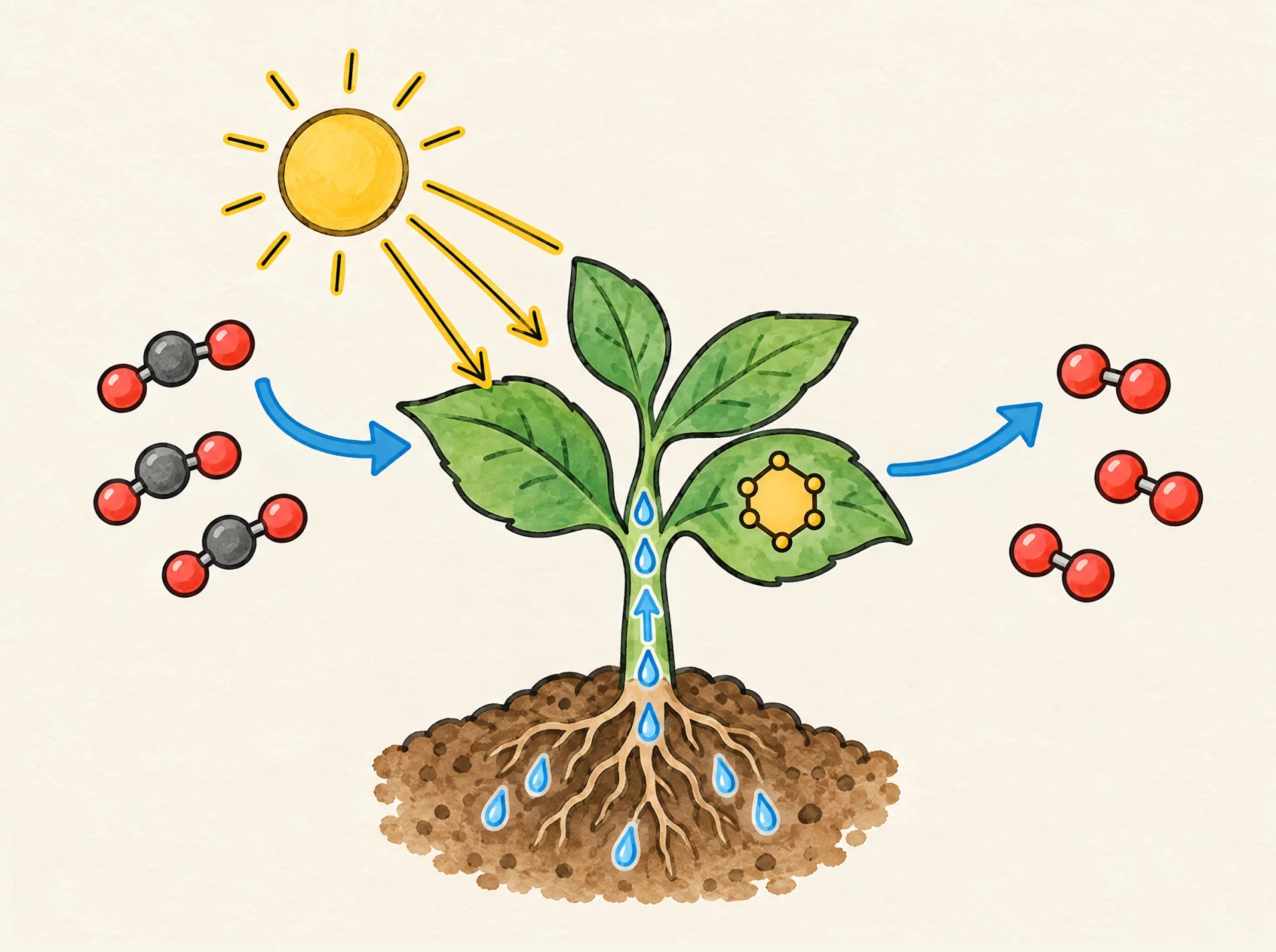
| The water cycle | 366 | 571 | 1:03 | 0:21 |
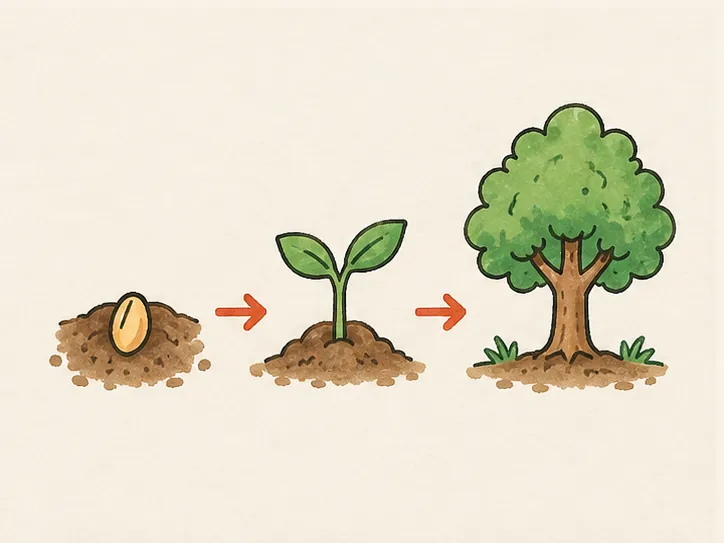
| How a seed grows | 150 | 383 | 0:50 | 0:10 |
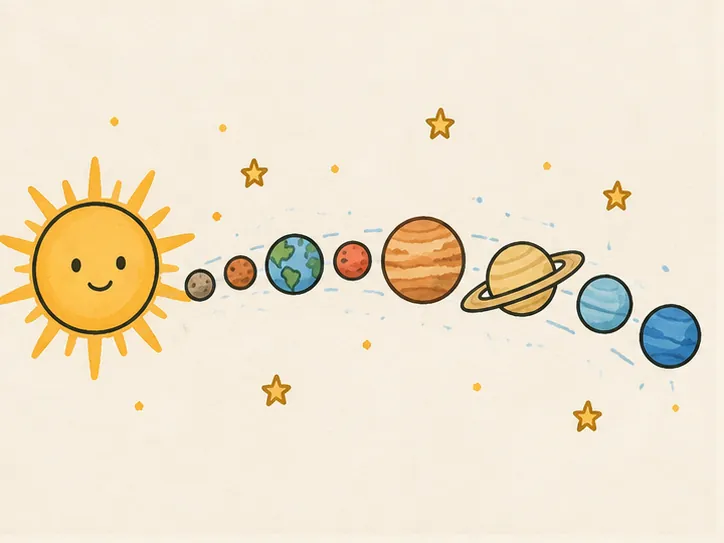
| The solar system | 258 | 326 | 0:54 | 0:14 |
| Ladybug life cycle | 4,008 | 364 | 2:40 | 1:58 |
More science diagrams, each drawn and ready to watch, are in whiteboard animation for lessons.
What WhiteboardAnimation.ai leaves to you
We draw one finished picture. The rest of the course video is made in the tools you already use.
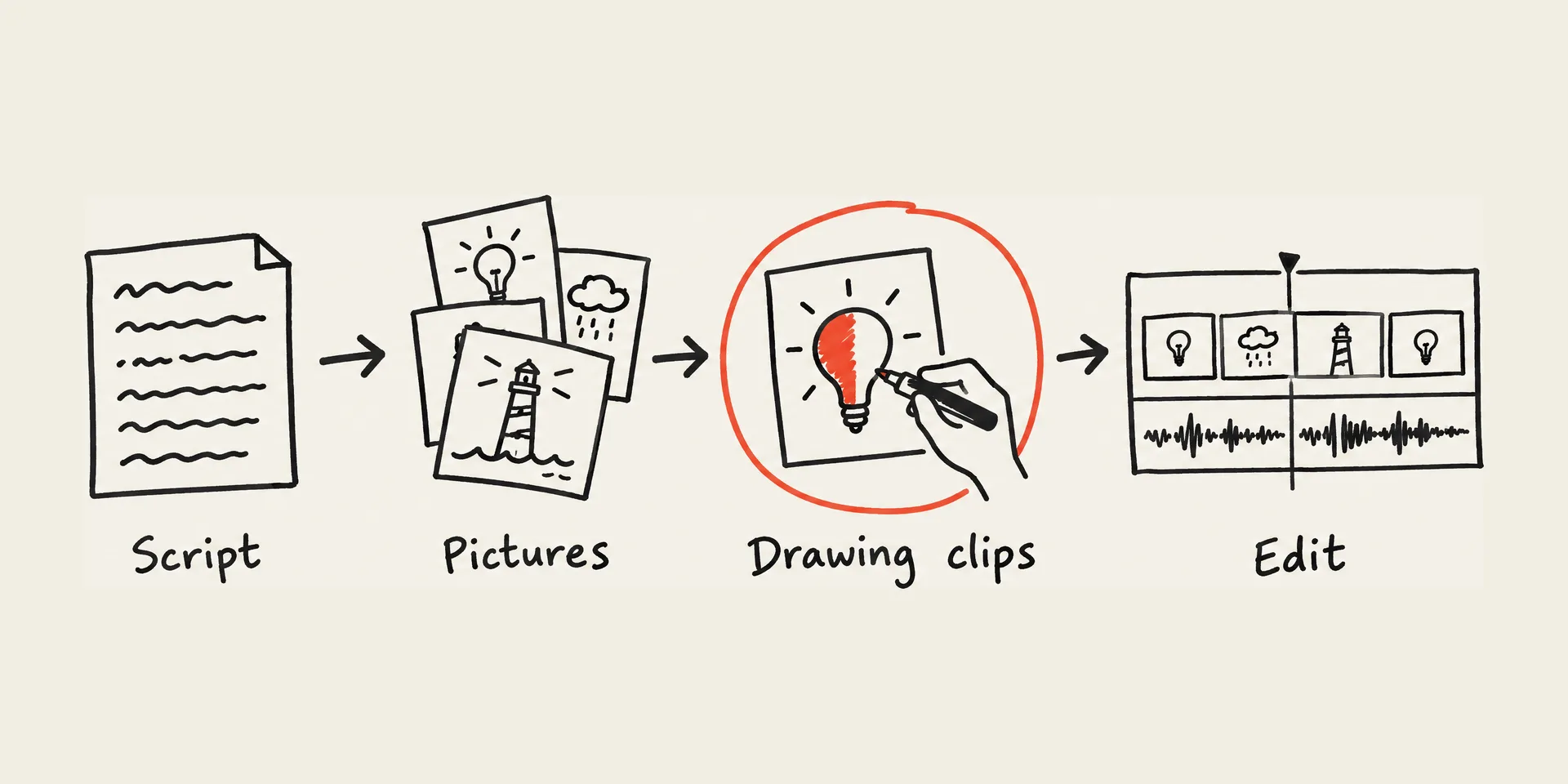
- No script, voice-over or scenes. Write the lesson, record your narration and cut the clips together in your video editor or course tool.
- No picture from a text prompt. You bring the diagram: your own, a textbook-style drawing you have the rights to, or one you generated elsewhere.
- No SCORM package and no LMS integration. You get a video file; it goes into a course the way any video does.
- No education plan or discount. 5 free credits on sign-up, one per picture; free exports are 720p and watermarked. Any credit pack (20 for $10) or plan removes the watermark and unlocks 1080p; transparent and layered export is Pro only. Pricing.
- Saving the video needs a desktop browser. Exports render in the browser.
For a whole course module drawn from many pictures, How to make a whiteboard animation goes from script to finished video with our clips. To draw a folder of diagrams from Claude or ChatGPT, see MCP.
Which to use
A K-12 teacher with no budget
Canva Education is free once you are verified; its SpeedPaint app has one free credit for a drawing video.
A whole course video in one tool
VideoScribe (ask for the education discount) or Powtoon’s Education plan: script, scenes, voice-over and export in one place.
A corporate course that must be SCORM
Vyond Enterprise or Agency exports SCORM. Otherwise, put the MP4 into your authoring tool.
You draw it live with a stylus
Explain Everything or PowerPoint Ink Replay records your own strokes over the diagram.
The diagram exists; it should draw itself
WhiteboardAnimation.ai: upload it, time it to your narration, export the clip into your course video.
For every tool’s full plans and limits, see Whiteboard animation software compared and Whiteboard animation software pricing. For other ways to make a picture look hand-drawn (After Effects, CapCut, AI video), see Image to drawing animation.
Sources
Read on each maker’s own pages on the date shown, US prices. We have not run these tools for this guide; the clips and stroke counts are our own published examples.
- VideoScribe for education (educator and student discount) · read 2026-10-31
- VideoScribe pricing (plans, trial, education discount) · read 2026-10-31
- VideoScribe eLearning video software (MP4 for course platforms) · read 2026-10-31
- VideoScribe help: image settings (raster images use a diagonal reveal) · read 2026-10-31
- Powtoon education pricing · read 2026-10-31
- Vyond pricing (plans, SCORM export) · read 2026-10-31
- Vyond help: free trials · read 2026-10-30
- Canva Education · read 2026-10-31
- Canva whiteboard animation (SpeedPaint app) · read 2026-10-31
- Explain Everything pricing (plans for education) · read 2026-10-31
- Animaker pricing · read 2026-10-30
- Doodly pricing · read 2026-10-31
- Doodly homepage (14-day free trial with Voomly Cloud) · read 2026-10-30
- Doodly help: importing a custom image · read 2026-10-31
- Doodly help: exporting your videos · read 2026-10-21
- Replay your ink strokes in Office (Microsoft Support) · read 2026-10-31
- Turn your presentation into a video (Microsoft Support) · read 2026-10-31
FAQ