 Whiteboard Animation
Choose what your whiteboard animation draws first
Draw the subject first or the background first, with colour or lines only. Order and style are free to change at any time; only drawing settings such as pen hold redraw the picture.
Yes. Choose Subject first (object first) or Background first (scene first), and Lines + colour or Lines only. These choices change how the drawing plays, so they show at once and cost nothing. Only the drawing settings, such as pen hold, redraw the picture and spend credits.
See it drawn
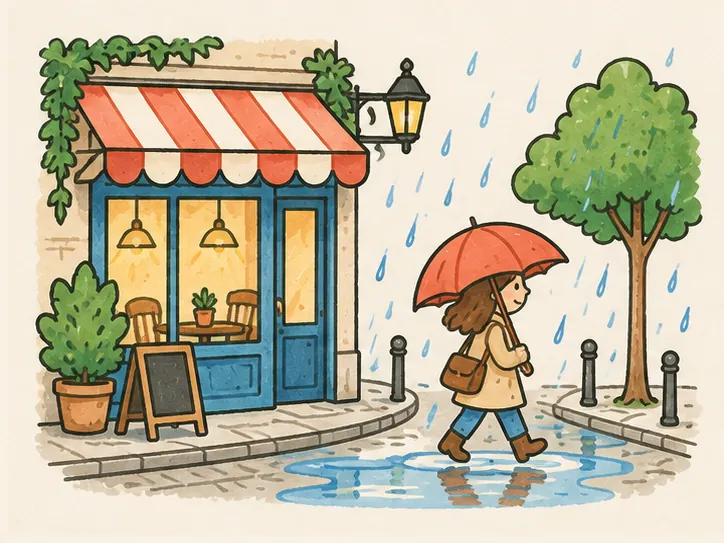
A real drawing from the examples. Here the lines and the colour both follow the order you pick: in Studio, Colour order sets the colour, and the timeline sets the lines.
What you can change
- Colour order
- Subject first (object first) or Background first (scene first): whose colour goes on first. Free, at once.
- Line order
- All line art plays before the colour. To draw the scene’s lines first, drag its line clip ahead on the timeline. Free, at once.
- Style
- Lines + colour, or Lines only, which leaves the colour out. Free, at once, before or after drawing.
- Hand and length
- Six hands or none, and the total length. Free, at once.
- Pen hold
- How long the pen lingers. A drawing setting: changing it redraws the picture and spends credits.
- While it redraws
- The Redraw button shows its price first, and the current drawing stays until the new one is ready.
Choosing an order
Subject first for products and characters
The thing you are talking about appears first, before the scene around it.
Background first for stories
Set the scene, then bring in who or what it is about.
Lines only for a sketch look
Leave the colour out for a clean pen drawing, or for a clip that has to stay short.
Questions
Questions
Bring a finished picture
Upload a PNG, JPEG or WebP and it starts drawing in about fifteen seconds. We draw your picture; we do not make one from text.