 Whiteboard Animation
Doodly vs VideoScribe: we ran the same picture through both
作者 Deniffer Alan发布于
TL;DR Doodly is a desktop app for Windows and Mac at $49 a month or $490 a year, with a library of characters in many poses. VideoScribe runs in the browser from $150 a year, with a library of 9,000+ images. Both build a whole video — scenes, text, voice-over, music — and both draw an uploaded PNG the same way: we ran the same picture through each, and in both a hand sweeps diagonally across it while the finished, coloured picture appears behind it. Neither draws a PNG’s outlines first unless you supply SVG (VideoScribe) or click a draw path onto it (Doodly).
Doodly and VideoScribe side by side
From each product’s own pages (prices read on 27 October 2026, US prices) and from our runs of both.
| Doodly | VideoScribe | |
|---|---|---|
| Where it runs | Desktop app for Windows and Mac (signed in through Voomly Cloud) | In the browser |
| Price | Standard $49/month or $490/year; Enterprise $79/month or $790/year | Lite $150/year, Core $255/year, Max $320/year per licence; monthly billing also offered |
| Free option | 14-day trial of Voomly Cloud: checkout takes a card and bills $49 a month after it; 30-day money-back guarantee | 7-day trial, no card: 3 video downloads up to 5 minutes, watermarked |
| Library | Characters in 20 poses each, props, background scenes, templates | 9,000+ images and icons; 5M premium images on Core |
| Your own PNG | Drawn with a wide, sweeping default path unless you click a custom draw path onto it; its help says SVG gives the best results | Revealed by a diagonal wipe behind the hand; stroke-by-stroke drawing needs an SVG |
| Watermark in the trial | None on our trial export (2026-10-27) | Yes, on every trial export |
| Output | MP4, WebM, OGG or MKV, 360p to 1080p, up to 60 fps | 1080p MP4, or a GIF of the first 15 seconds |
| Editing | Scenes on a timeline, text, voice-over recorded or uploaded, royalty-free music, subtitles, pan and zoom | Scenes, camera moves, text, voice-over, music library, AI script and image tools |
The same picture in both
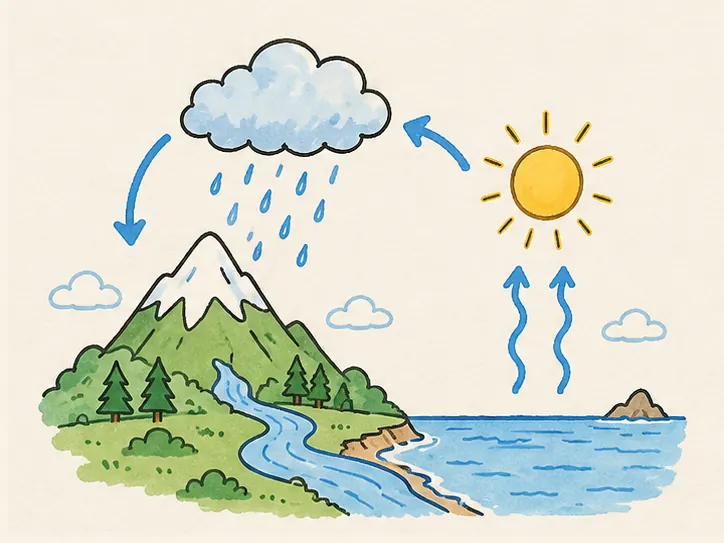
Our water-cycle illustration, a 724 × 543 PNG, uploaded to each with its default drawing settings. The frames are at a quarter, half, three quarters and the end of the drawing.

A diagonal sweep reveals the finished, coloured picture behind the hand. No line-art pass; no watermark on the trial export.

The same diagonal reveal of the finished picture, with the trial’s watermark. No line-art pass.
We ran five more pictures through Doodly the same day — a character, a science diagram, a product, a street scene and a logo — and each was revealed the same way. See all six Doodly runs.
Which one to pick
- Pick VideoScribe if you want to work in the browser, pay yearly at the lowest entry price ($150 a year for Lite), or draw with its stock icons and SVG artwork stroke by stroke.
- Pick Doodly if you want ready-drawn characters in many poses, a desktop app on Windows or Mac, more export formats (WebM, OGG, MKV) or frame rates up to 60 fps, and you are fine with a monthly or yearly subscription.
- Pick neither if what you need drawn is an illustration you already have as a PNG or JPEG: both reveal it as a finished picture unless you redraw it as SVG or set its paths by hand. A picture-to-drawing tool draws its outlines, then its colour.
Where WhiteboardAnimation.ai fits
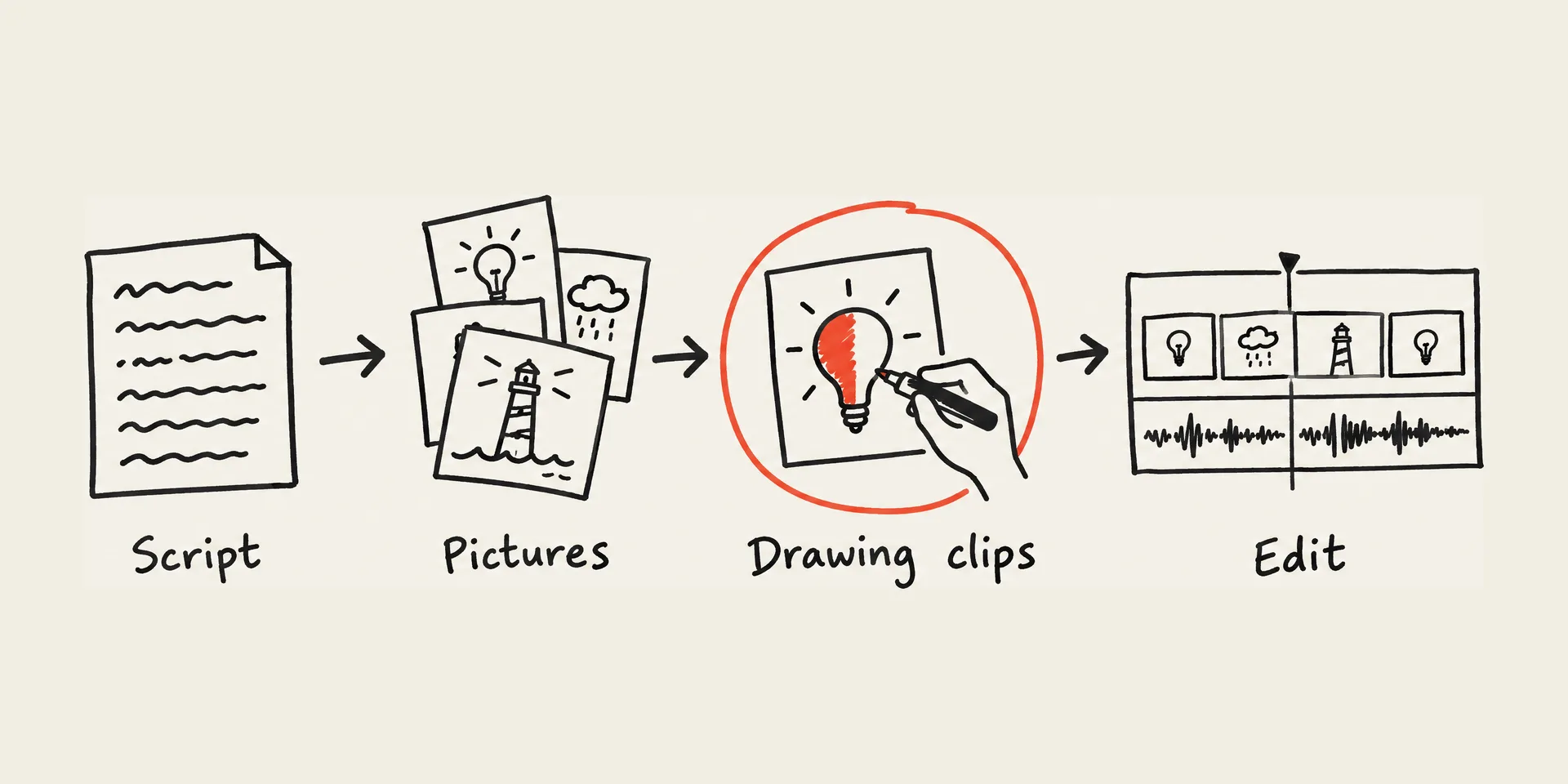
WhiteboardAnimation.ai is not a video editor: it has no scenes, text, voice-over or music. It does one part of the job — it draws a finished PNG, JPEG or WebP picture by hand, line art first and then colour, and lets you change the order, hand and timing after the drawing without paying again. Many people use it next to an editor: draw each picture here, then cut the clips together with narration in Premiere, Final Cut, DaVinci Resolve or CapCut.
| Example | As drawn | Line art |
|---|---|---|
| The water cycle | 1:07 | 0:24 |
| Fox says hello | 1:07 | 0:26 |
| Photosynthesis | 1:40 | 0:50 |
| Sneaker | 0:52 | 0:20 |
| Rainy corner café | 1:43 | 0:45 |
Sources
Each product’s own pages, read on the day given, and our own runs of both.
- Doodly pricing · read 2026-10-27
- Doodly free trial (Voomly Cloud checkout) · read 2026-10-27
- Doodly help: importing a custom image (formats, size, draw paths) · read 2026-10-21
- Doodly help: exporting (formats, resolutions, frame rates) · read 2026-10-21
- Doodly homepage (library, music, guarantee) · read 2026-10-27
- VideoScribe pricing (US prices) · read 2026-10-27
- VideoScribe free trial · read 2026-10-27
- VideoScribe help: image settings (raster images use a diagonal reveal) · read 2026-10-20
- VideoScribe blog: hand-drawn style needs SVG · read 2026-10-20
FAQ